
CAD2VR® Update 1.81
Animations support and practical updates
28.10.2026
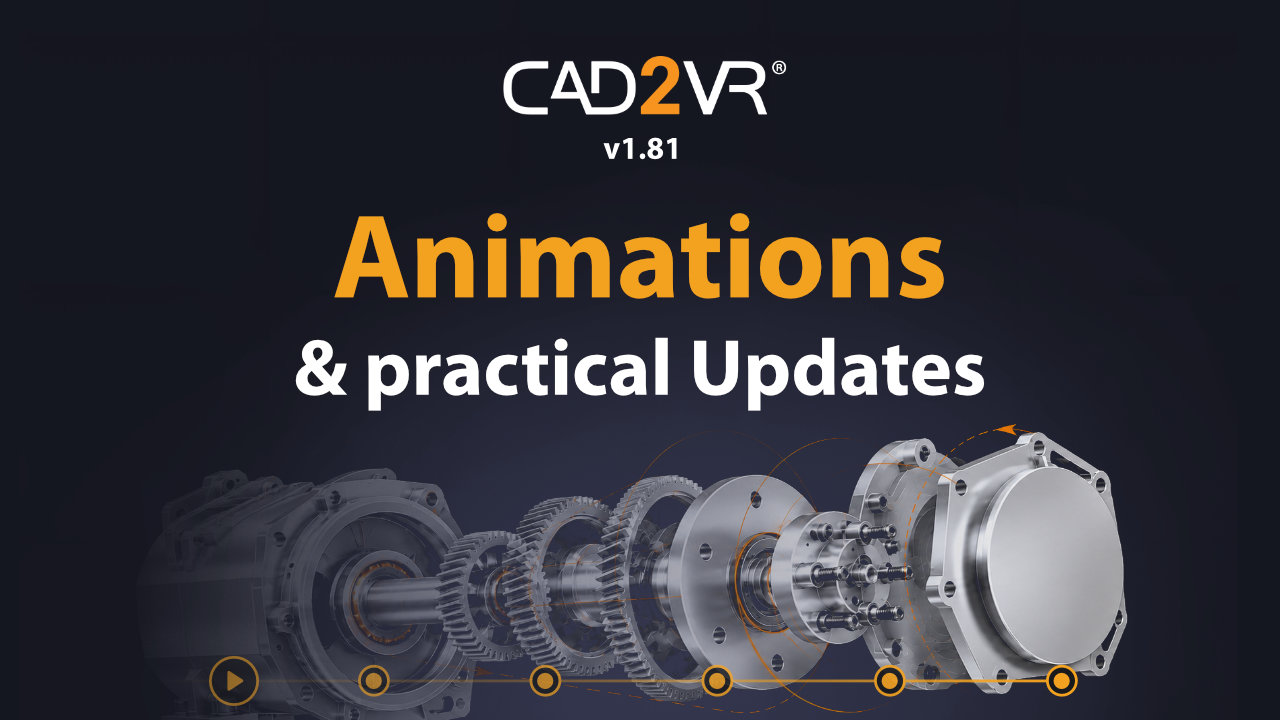
CAD2VR® is now available in version 1.81. This version extends CAD2VR® to include support for loading and playing animations from GLB/GLTF models, improves scene file management, and provides an even more efficient and convenient workflow with automatically saved settings.
Animations support
With CAD2VR® 1.81, your 3D models come to life: Animations from GLB and GLTF files can be loaded and played directly in the VR environment. This allows you to experience moving components, processes, and product functions immediately in virtual reality.
Whether opening doors or flaps, moving assemblies, or demonstrating complex processes: Animations not only show what a product looks like, but also how it works. This makes virtual presentations more vivid and allows designs and motion sequences to be understood and experienced even before manufacturing begins.
Share the animation experience
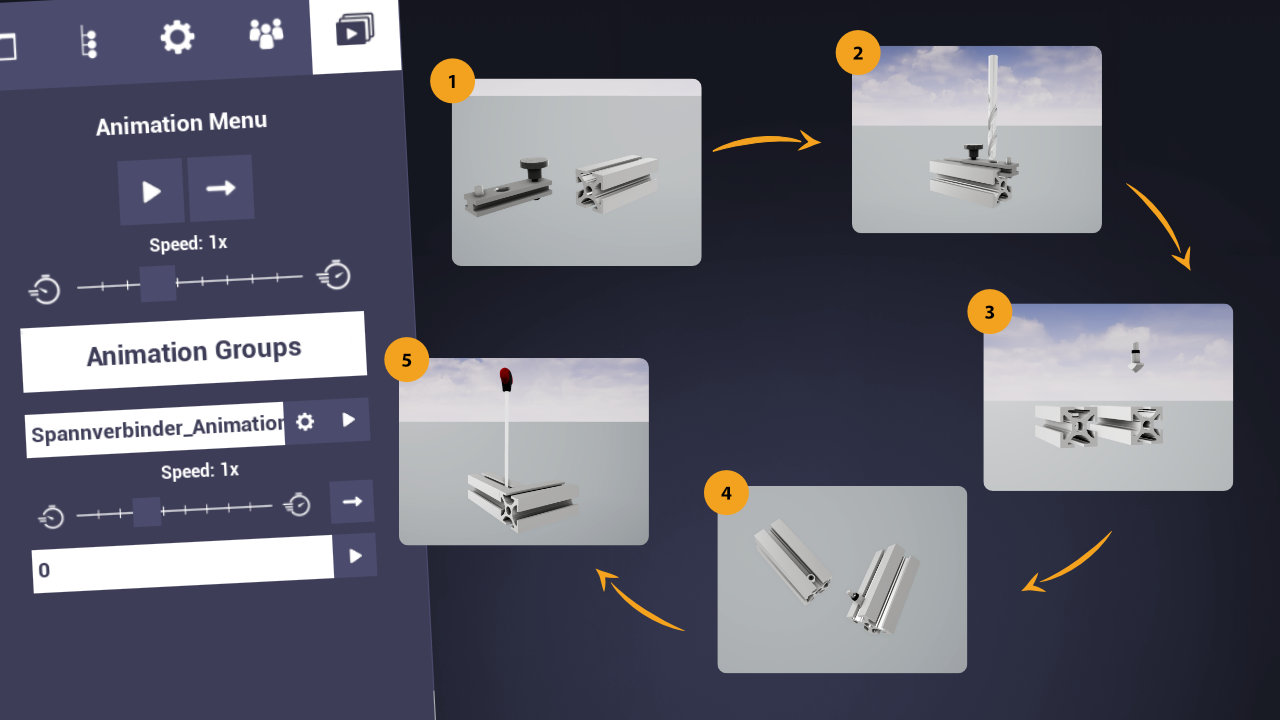
The animation menu allows you to quickly select available animation groups and start them directly in the VR environment. Loaded animations are saved along with the scene and are immediately available again the next time the project is opened.
Even during collaborative VR sessions, all participants remain synchronized: If one user starts an animation, everyone else experiences it simultaneously. This allows teams to jointly analyze movements, discuss features, and present products in an impressive way.
Improved Scenefile Management
Managing scene files becomes even clearer. Folders can be created directly when saving and loading, helping to organize projects in a structured and simple way.
Easy File transfer
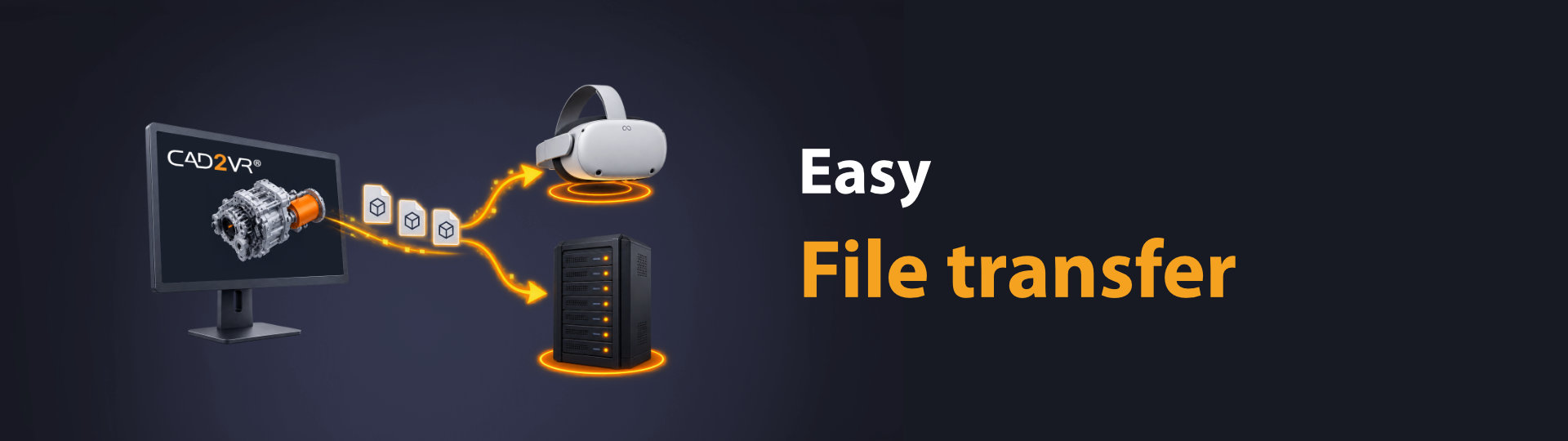
Scene files can now be transferred directly between CAD2VR® and a connected Meta Quest, cloud storage, or an on-premises server. This allows projects to be exchanged quickly and made available centrally.
Automatically saved preferences

To speed up work in CAD2VR®, personal settings will now be saved automatically. These include, among other things, the username, rendering settings, scene settings, flight mode settings, and the last used import and scene file paths. Repeatedly configuring frequently used options is no longer necessary, and you can start working immediately.